Optima: Designing, building, and monetizing a desktop text editor
- My role
- Owner, developer
- When
- 2016–2022
Optima is a desktop text editor that I developed with Electron for macOS and Windows. I launched it as a commercial product in 2016.
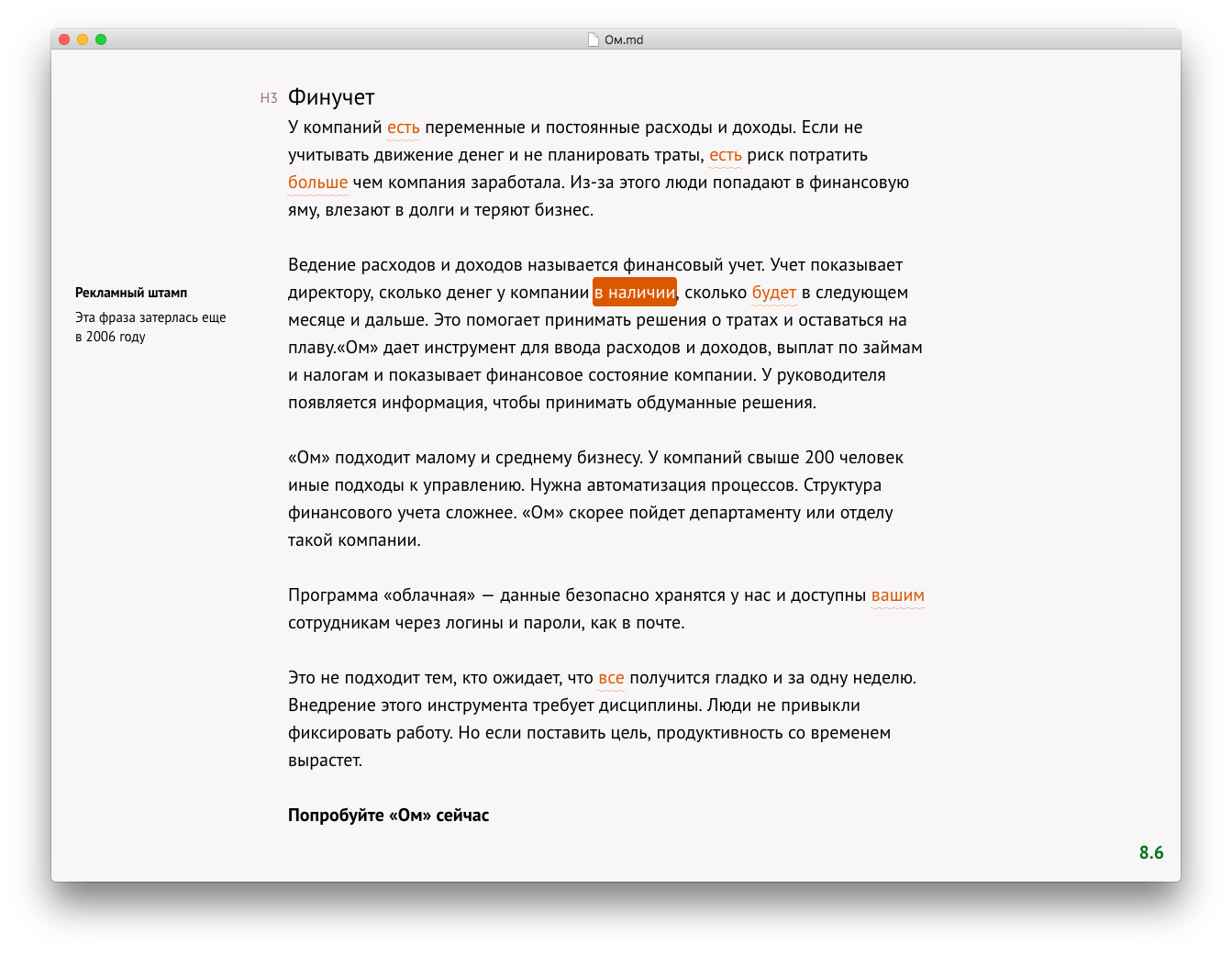
I built Optima for my own needs while working as a designer. When writing text, I would check the style in an external service to make it cleaner. Then I would check and fix spelling somewhere else. And before publication, I would use a typography correction tool. Or I need to turn it into HTML. Switching between tools became tedious, so I decided to build one editor with everything integrated.
Features
It uses Markdown as its underlying format while providing a WYSIWYG editing experience. The result is a simple, minimal editor that works entirely offline.
Optima integrates with an external Russian style-checking service and provides writing recommendations.
It checks spelling in both Russian and English.
Users can instantly share documents via links:
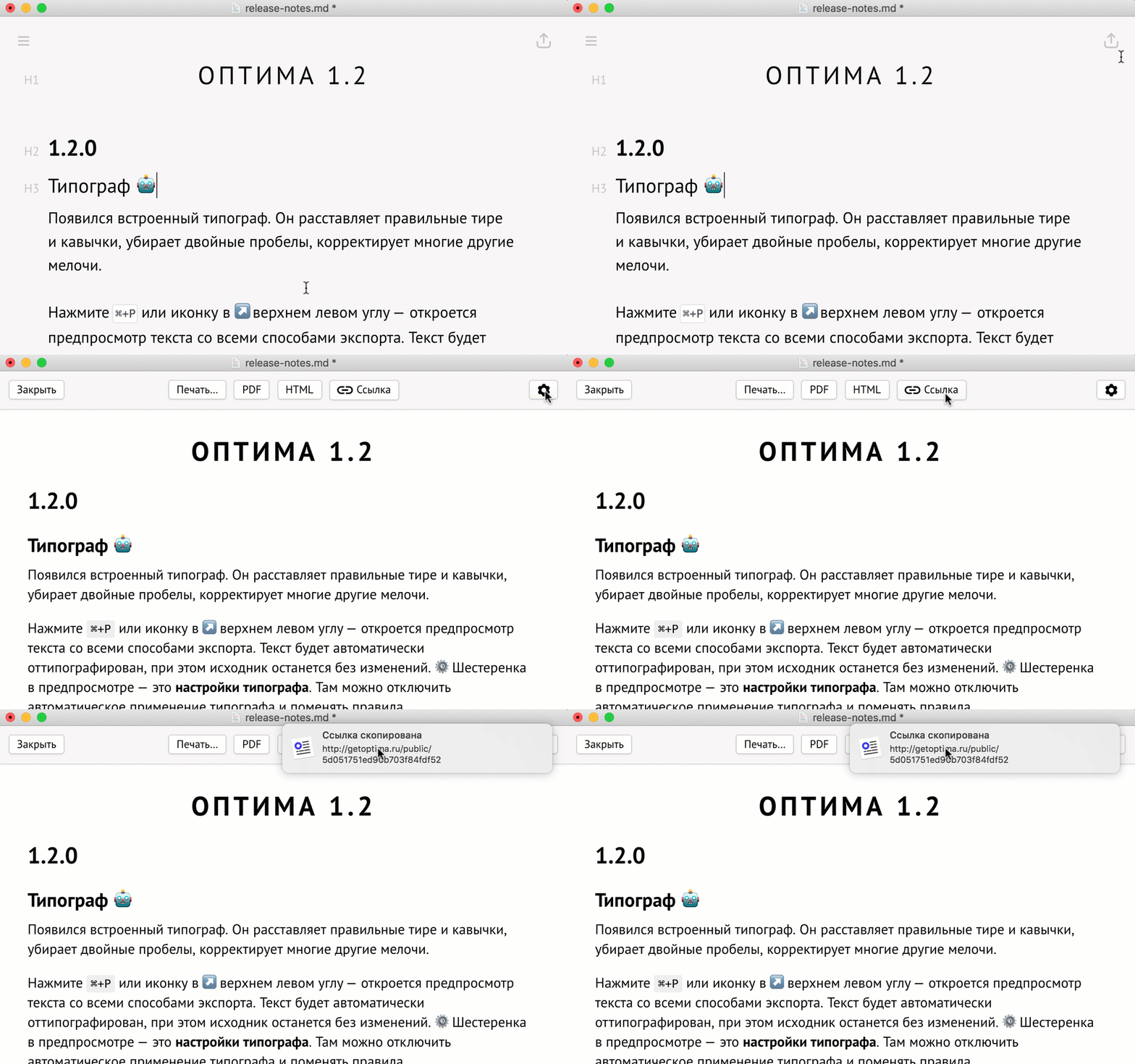
It also includes a typography tool for preparing text for publication:
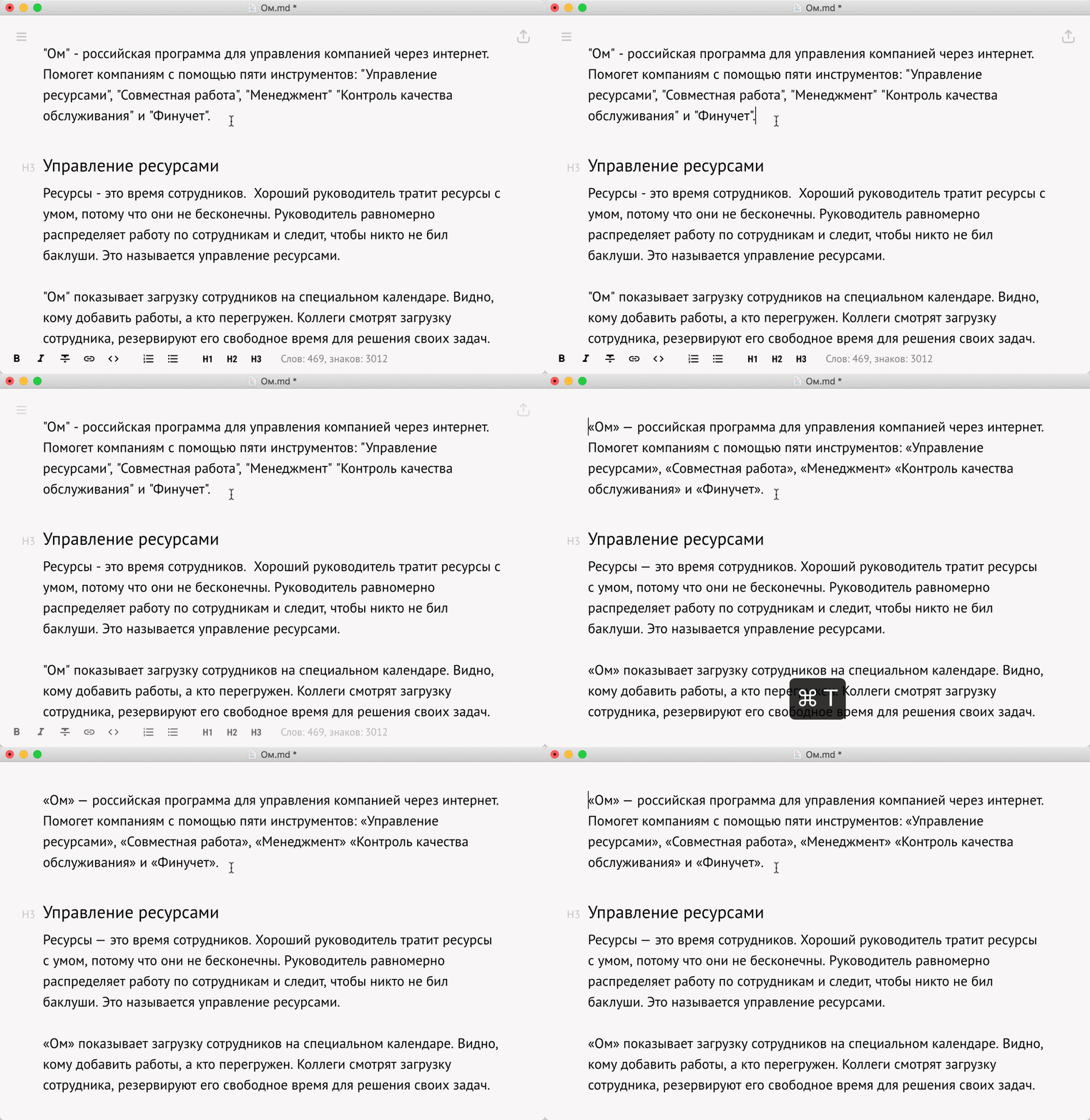
The typography tool can be configured for either Russian or English typography conventions:
Monetization
To sell Optima as a commercial product, I built a lightweight checkout flow using my bank’s payment processing platform:
- Checkout integrated with the payment platform
- A CLI-based order management system
- Automatic license key generation and email delivery
Development and technologies used
Editor:
- Optima was built with Electron, React, Redux, and Quill.js.
Backend for payments and document sharing:
- Node.js with the Express framework
- MongoDB with Mongoose
- Mandrill for email delivery